Moisture detected on Samsung: what it means and how to fix it
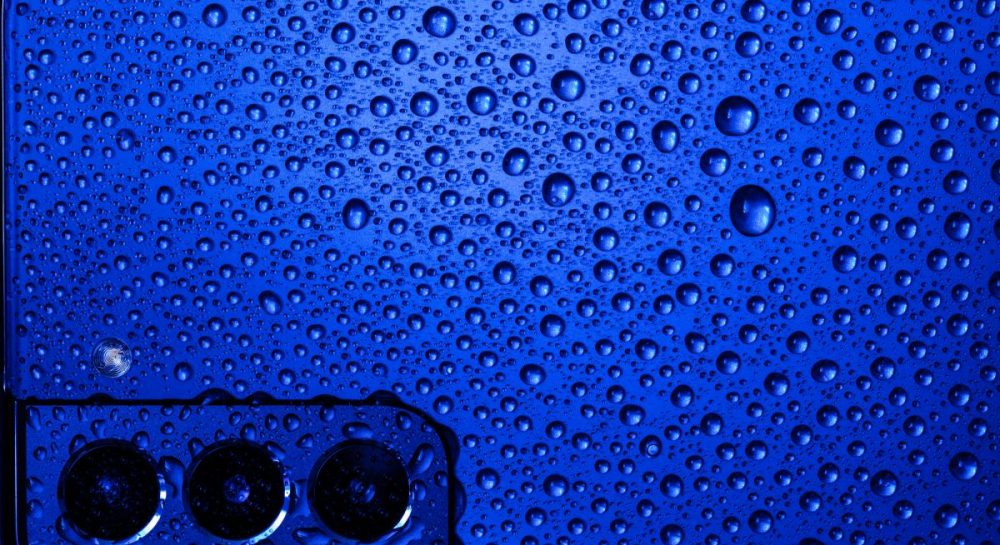
We explain why the water drop icon appears on Samsung smartphones and how to safely dry your device without damaging the electronics.
 💡Tech
Photo: UNIAN
Key points
- Meaning of the water drop icon
- Safe drying procedures
- Common mistakes to avoid
Samsung Galaxy users may occasionally see a water drop icon on their screen. This notification indicates that the device has detected moisture in the USB-C port or inside the chassis. As a precautionary measure, the system disables wired charging to prevent short circuits and potential hardware damage.
How to properly dry your device
Even with an IP68 rating, smartphones are not immune to water damage. If you receive this warning, immediately unplug the charging cable. Wipe the device with a dry cloth and gently shake it with the port facing downward to remove excess liquid.
- Use a cool airflow from a fan to dry the port.
- Avoid using a hair dryer, as heat can damage internal components.
- Do not use rice, as it is ineffective and can introduce dust or starch into the port.
If the notification persists for more than 24 hours, it may be a software glitch. In this case, clearing the USB settings cache or trying a different cable may help. If the port remains wet, wireless charging is a safe alternative until the device is completely dry.
Source UNIAN — unian.ua/techno/gadgets/samsung-blokuye-zaryadku-shcho-oznachaye-zn… ↗
Read next
 🏙️City
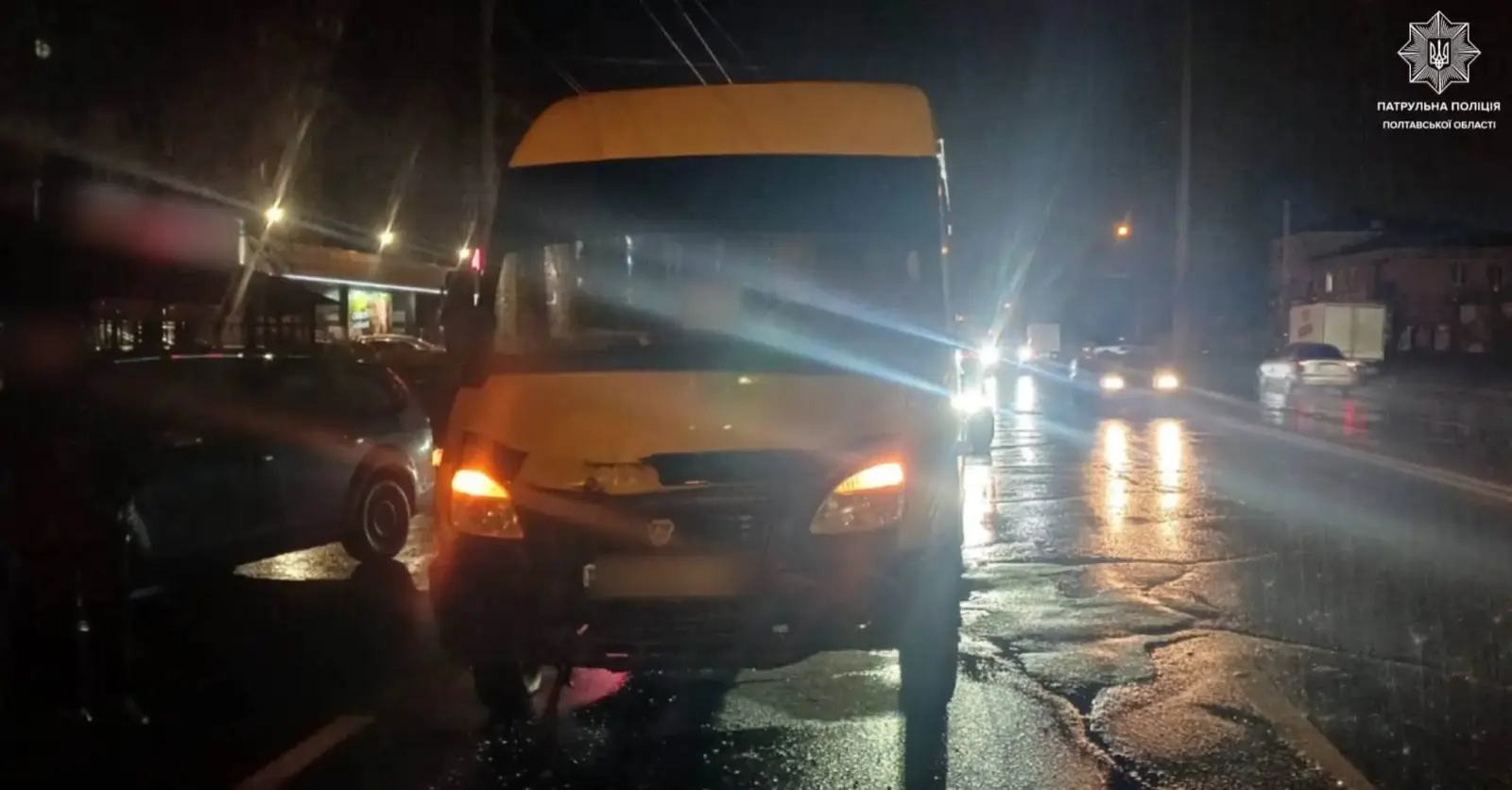
Triple Car Crash Involving Minibus in Poltava: Police Issue Citation to Driver
A traffic collision involving a 'RUTA' city minibus and two passenger cars occurred on Zinkivska Street in Poltava. No serious injuries were reported, though all vehicles…
 🚌Transport
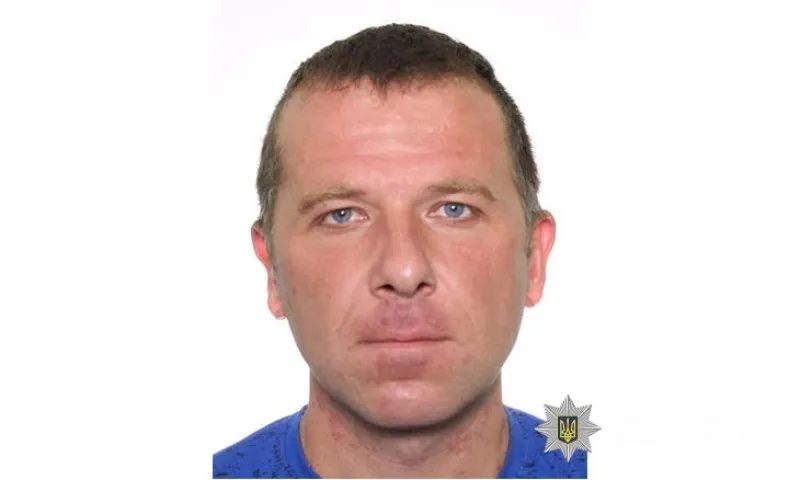
Police in Poltava Region Search for Missing 40-Year-Old Man
Law enforcement agencies in Myrhorod district are asking the public for assistance in locating Serhii Semenko, who has lost contact.
 🚌Transport
The Philosophy of Repair: Why Ukrainian Cities Must Focus on Daily Maintenance
Current realities require local communities to focus not on grandiose plans, but on the daily, often invisible work of fixing infrastructure.
 🏙️City
Theatrical tours abroad: challenges of European tours for Ukrainian artists
Producer Serhii Chudaiev shared insights on organizing Ukrainian theatrical performances in Europe, audience emotions, and logistical difficulties.
 🏙️City
Testimony by SBU General: Expert Calls for NABU Director to Report to Parliament
NABU Director Semen Kryvonos must address questions from the Parliamentary Temporary Investigative Commission following statements by SBU General Serhiy Duka, according t…
 🚌Transport
Poltava Drivers Urged to Check Cars for Stray Animals Seeking Warmth in Winter
With the onset of cold weather in Poltava, drivers are reminded to check their vehicles for stray animals sheltering under hoods and near wheels.