How to free up space on Android without deleting photos: expert tips
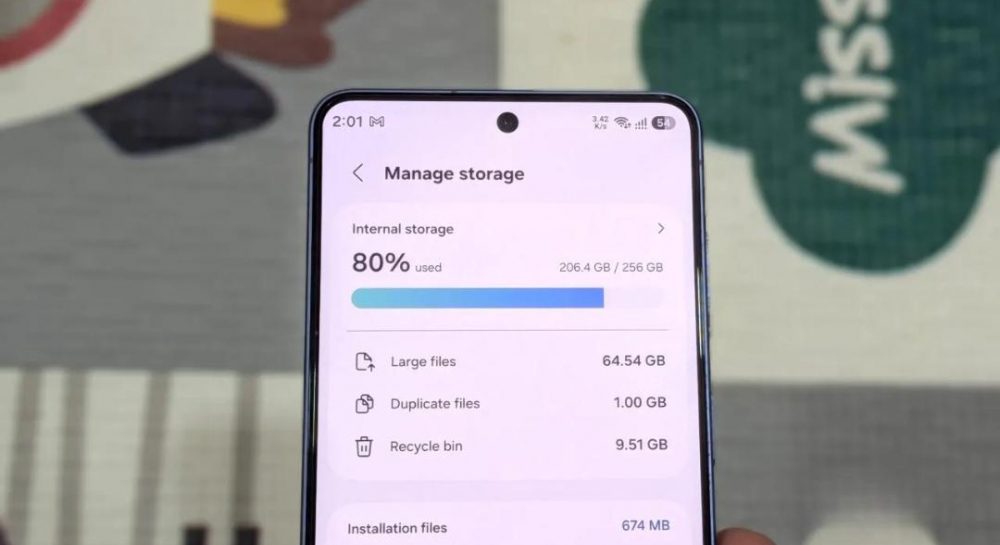
A tech blogger demonstrated how to free up 36 GB of storage on an Android smartphone by optimizing apps and cache instead of deleting media.
 💡Tech
Photo: UNIAN
Key points
- Removing unused apps and games
- Using the auto-archive feature in Google Play
- Clearing cache and download folders
- Using external SSDs via USB-C
Smartphone storage optimization
Many modern smartphone users struggle with limited storage, especially on devices lacking microSD card slots. An Android Authority reviewer shared his experience of freeing up 36 GB of space on his device without deleting a single photo or video from his gallery.
The first step involved auditing installed software. Removing unused games and test applications freed up nearly 4 GB. For apps that are rarely used, the expert suggests enabling the automatic archiving feature in Google Play settings.
Managing cache and external storage
Significant storage space is often consumed by temporary files from messengers and social media apps. Since Android lacks a single button to clear all cache, using Google's built-in file manager is recommended to find duplicates and outdated APK files. It is important to note that deleted files remain in the 'Trash' for 30 days, so manual clearing is necessary to reclaim space immediately.
Checking download sections in streaming services and offline maps also proved effective, saving an additional 8 GB. For handling large files like 4K videos, the expert recommends using external SSDs connected via USB-C, which avoids the need for paid cloud storage subscriptions.
Source UNIAN — unian.ua/techno/software/yak-zvilniti-pam-yat-na-android-koristuvac… ↗
Read next
 🇺🇦Ukraine
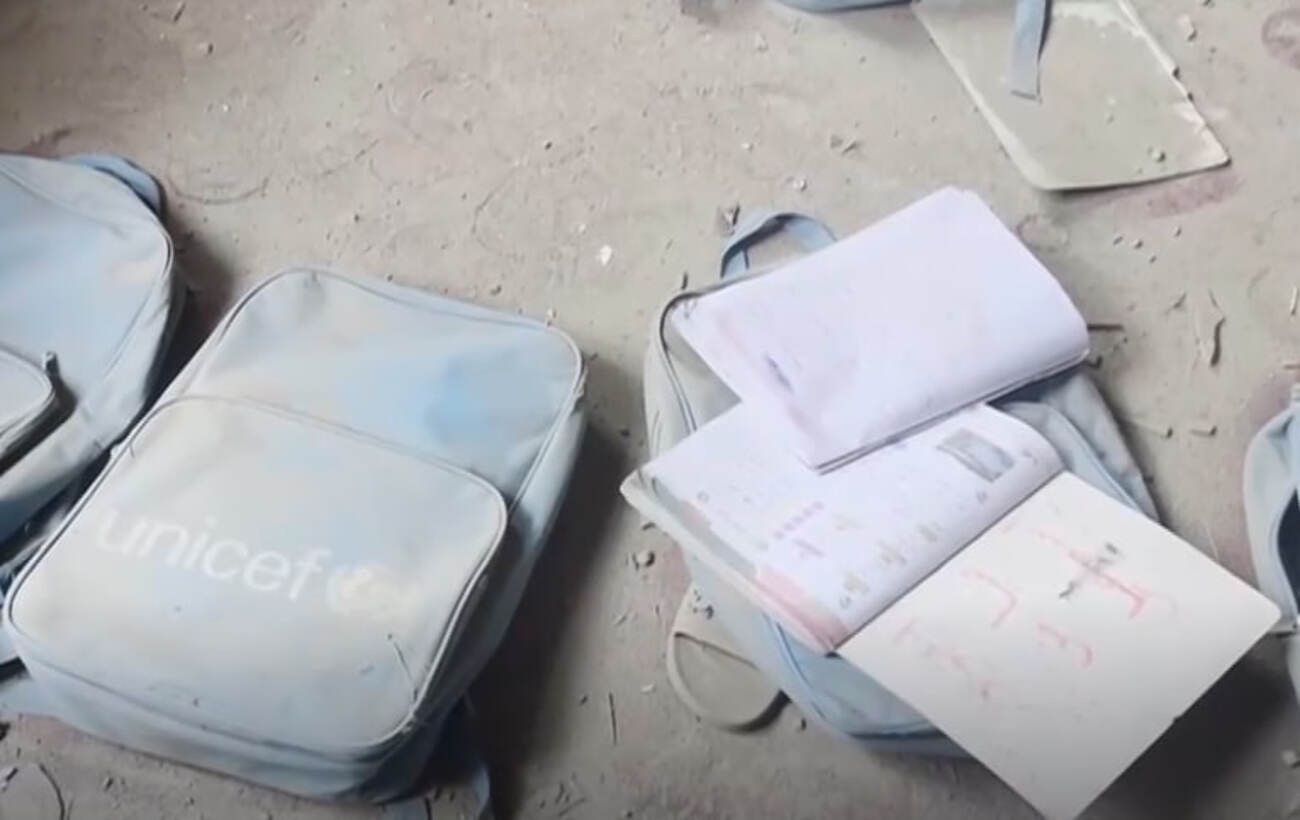
Tragedy in Afghanistan: School Explosion Results in Multiple Casualties
In Kunar province, an explosion at a school left 10 people dead, mostly children. The likely cause is identified as negligent storage of explosive materials nearby.
 🛡️Security
Army financing: why there is a shortage of funds for military payments
Experts explain the lack of funds for military salaries by delays in international aid and the need for urgent weapons purchases from the state budget.
 🧠AI Analysis
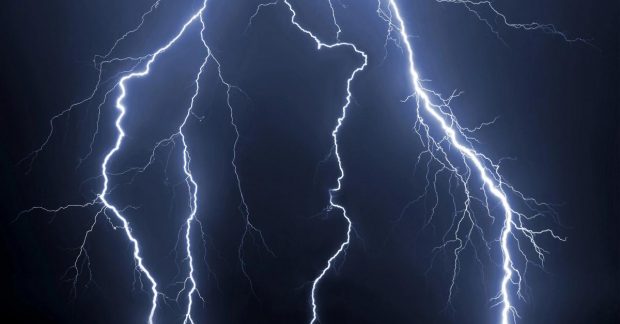
Climate Change: Lightning strikes could double by 2100
Scientists predict a significant increase in the frequency of lightning strikes due to global warming, posing new risks to infrastructure and forests.
 🛡️Security
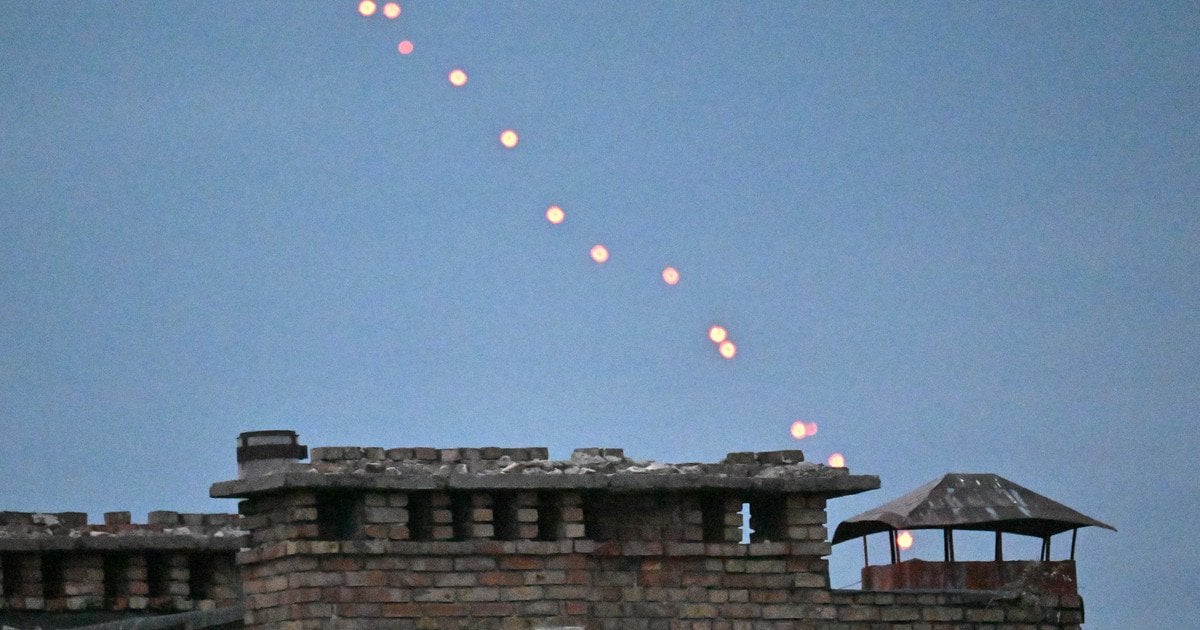
Night attack on Odesa: residential building damaged, casualties reported
Russian forces launched a drone strike on Odesa on the night of November 29, hitting a residential high-rise. Emergency services and an operational headquarters are provi…
 🛡️Security
Night attack on Odesa: residential building damaged, casualties reported
Russian forces struck Odesa on the night of November 29, damaging a high-rise residential building. Emergency services and an operational assistance headquarters are work…
 🛡️Security
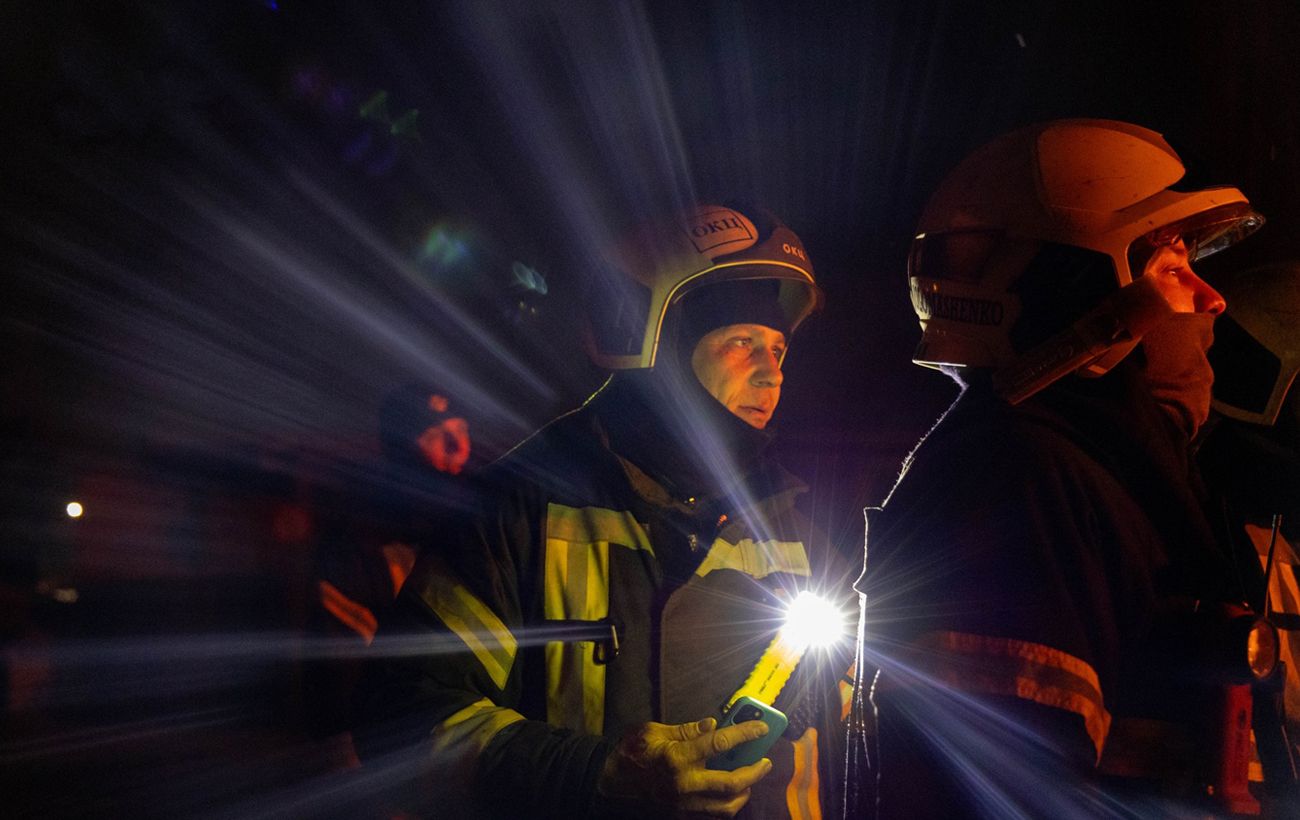
Nighttime UAV Attack on Odesa: Residential Building Damaged
On the night of November 29, Russian forces launched a drone attack on Odesa. The strike resulted in damage to a residential building.