How to optimize Android battery life: a hidden developer setting
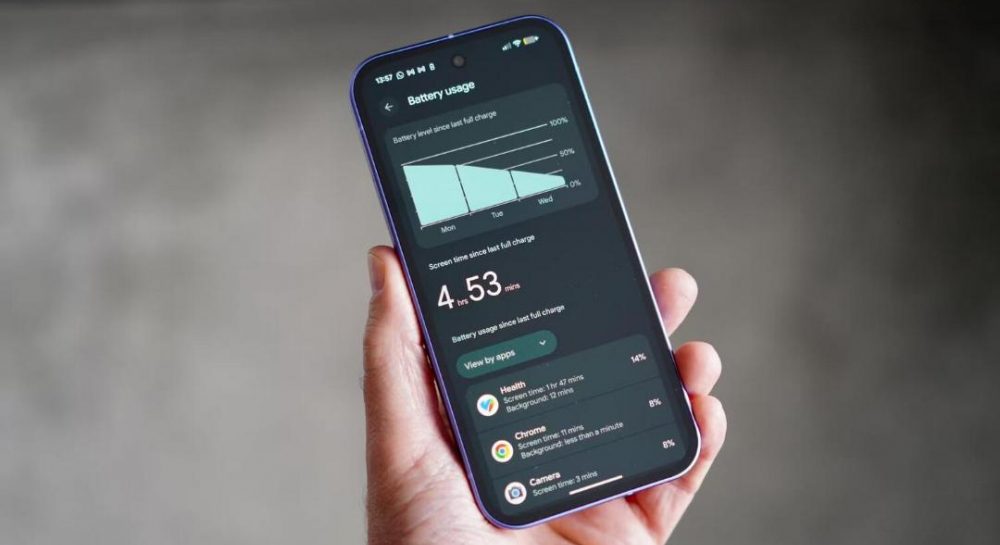
Experts have identified a hidden Android setting that can significantly extend battery life by restricting background processes.
 💡Tech
Photo: UNIAN
Key points
- Background app activity is a major battery drain
- Developer settings offer a way to limit background processes
- The setting resets automatically upon device restart
Android users frequently face the issue of rapid battery drain, even when their devices are idle. According to reports from Android Police, the primary culprit is often excessive background activity from social media and streaming apps that continue to consume power without the user's active engagement.
Optimization via Developer Options
Standard background usage restrictions often fail to prevent apps from syncing or sending notifications. A more effective approach involves the "Developer Options" menu, where users can adjust the limit for background processes. This hidden system setting helps prevent applications from consuming unnecessary resources while the phone is not in use.
Enabling this mode can significantly improve daily battery performance. However, it is important to note that the system resets this parameter to default values after every reboot, meaning users must re-apply the setting whenever they restart their device.
Technical Considerations
Users should be aware that forcing apps out of memory can sometimes have a counterproductive effect. The processor may consume additional power to restart apps from scratch when they are needed again. Furthermore, overly aggressive restrictions might delay the delivery of non-critical notifications, although high-priority messages should still arrive as expected.
Source UNIAN — unian.ua/techno/gadgets/android-rozryadzhayetsya-u-foni-yak-vryatuv… ↗
Read next
 🇺🇦Ukraine
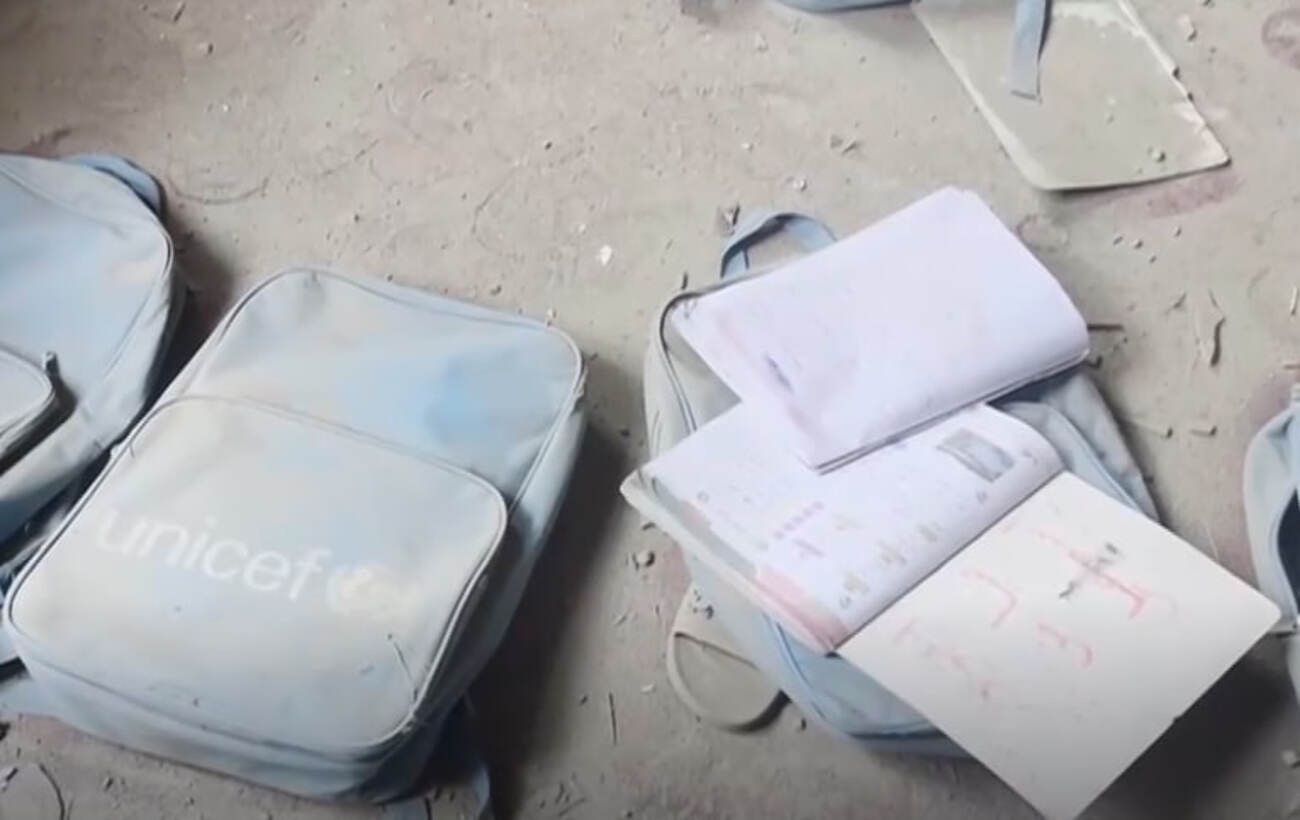
Tragedy in Afghanistan: School Explosion Results in Multiple Casualties
In Kunar province, an explosion at a school left 10 people dead, mostly children. The likely cause is identified as negligent storage of explosive materials nearby.
 🛡️Security
Army financing: why there is a shortage of funds for military payments
Experts explain the lack of funds for military salaries by delays in international aid and the need for urgent weapons purchases from the state budget.
 🛡️Security
23 more Ukrainians return from occupation: stories of rescuing vulnerable groups
The Ukrainian Parliament Commissioner for Human Rights, Dmytro Lubinets, announced the successful return of 23 citizens from temporarily occupied territories.
 🧠AI Analysis
Climate Change: Lightning strikes could double by 2100
Scientists predict a significant increase in the frequency of lightning strikes due to global warming, posing new risks to infrastructure and forests.
 🛡️Security
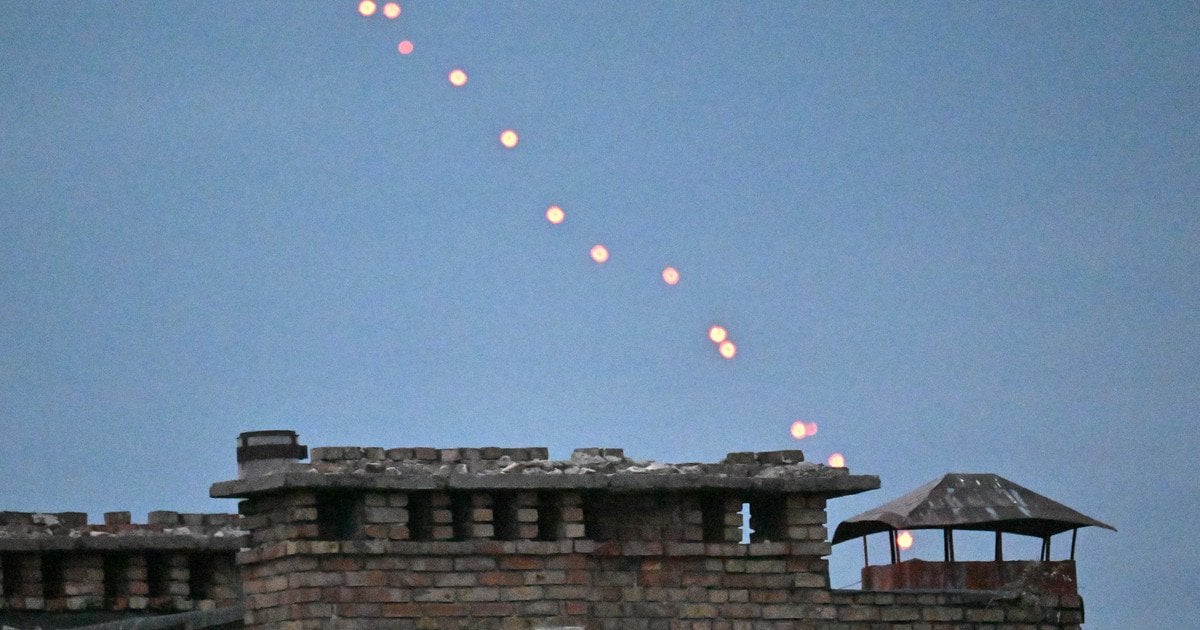
Night attack on Odesa: residential building damaged, casualties reported
Russian forces launched a drone strike on Odesa on the night of November 29, hitting a residential high-rise. Emergency services and an operational headquarters are provi…
 🛡️Security
Night attack on Odesa: residential building damaged, casualties reported
Russian forces struck Odesa on the night of November 29, damaging a high-rise residential building. Emergency services and an operational assistance headquarters are work…